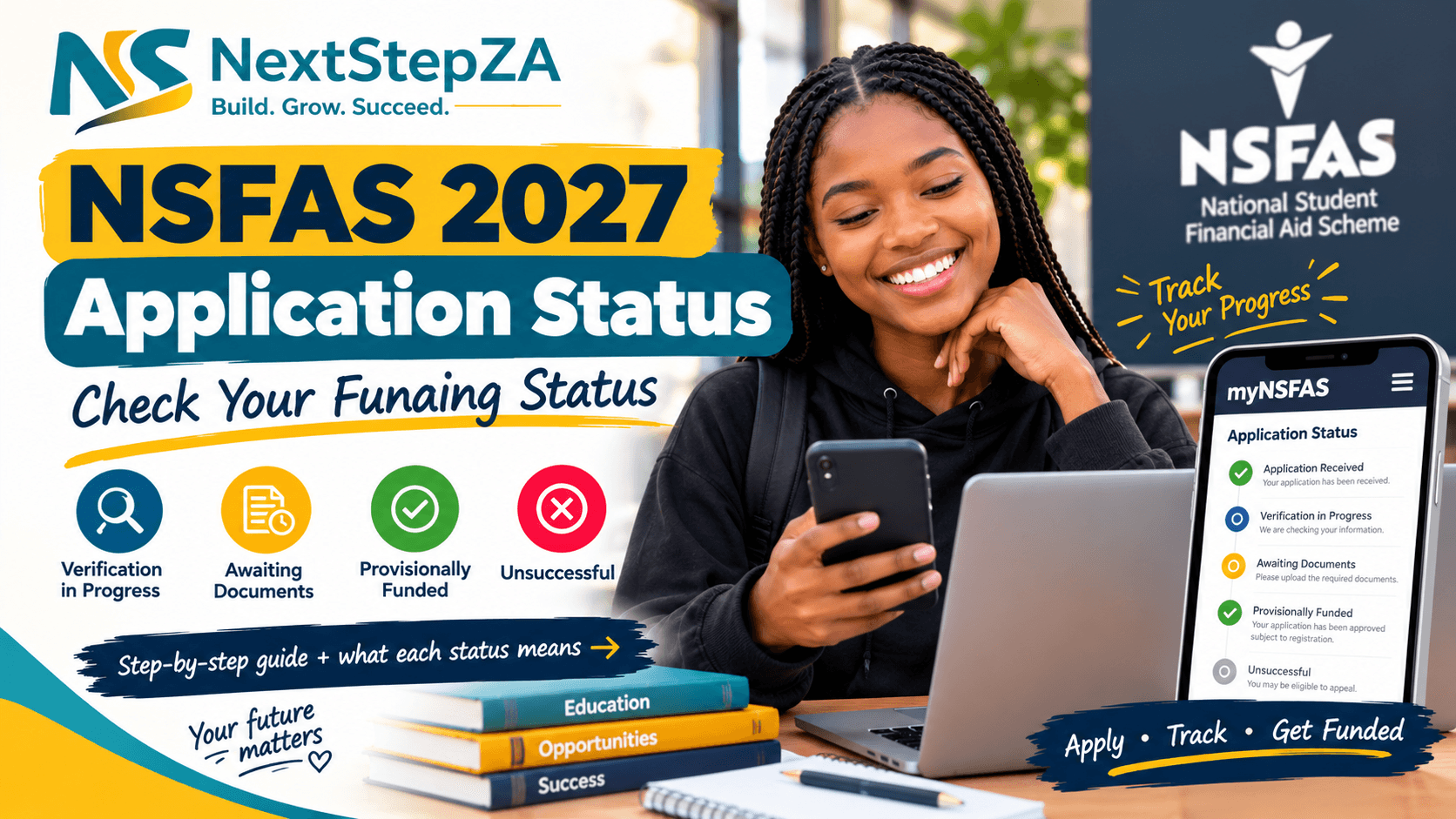
If you have applied for NSFAS 2027 funding, one of the most important things to do after submitting your application is to regularly check your application status.
NSFAS allows applicants to track their application through their myNSFAS account. The official NSFAS 2027 application information says applicants should keep their application reference number and sign in to myNSFAS to see where their application is and whether anything is required from them.
The 2027 NSFAS application period opened on 18 September 2026 and closes on 31 October 2026.
How to Check Your NSFAS 2027 Application Status
You can check your application status online through the official NSFAS system.
Step 1: Go to the official NSFAS website
Visit the official NSFAS website and access the myNSFAS portal.
Be careful when searching for NSFAS online because fake application websites and social-media links can be used to obtain applicants’ personal information.
Step 2: Log in to your myNSFAS account
Use the details associated with your NSFAS account to sign in.
NSFAS advises applicants to keep their contact details up to date so they can receive important status notifications.
Step 3: Open your application
Once logged in, check your application dashboard and look for your 2027 application status.
You should also keep your application reference number somewhere safe.
Step 4: Read the status carefully
Your application may move through different stages while NSFAS verifies your information and assesses your application.
NSFAS 2027 Application Statuses Explained
Understanding the message displayed on your myNSFAS account can help you know what to do next.
1. Verification in Progress
This means NSFAS is checking information connected to your application.
The official NSFAS 2027 application page explains that verification can involve checking information with organisations such as Home Affairs, SARS and SASSA.
What should you do?
Usually, you don’t need to submit anything simply because verification is taking place.
Continue checking your myNSFAS account for updates.
2. Awaiting Documents
This means NSFAS has identified a document that is missing, unreadable or otherwise required.
The official NSFAS guidance tells applicants to sign in and upload the requested document.
What should you do?
Log in to myNSFAS and check exactly which document has been requested.
Make sure:
- The document is the correct one.
- All information is readable.
- The entire document is visible.
- You upload it through the official NSFAS system.
- You submit it before any applicable deadline.
Do not ignore a missing-document request.
3. Provisionally Funded
The current NSFAS 2027 application information describes this status as meaning that you meet the funding criteria, with funding confirmation linked to registration at an eligible public university or TVET college.
This is an important distinction: being provisionally funded does not mean that every part of your 2027 student funding journey is already complete.
You still need to follow the registration and institutional processes that apply to you.
4. Unsuccessful
An unsuccessful status means your application did not meet the applicable funding criteria.
The NSFAS 2027 information says the reason for the unsuccessful outcome is shown on myNSFAS and that applicants may submit an appeal within the applicable appeal window.
What should you do?
Don’t immediately assume that you cannot appeal.
Log in to your myNSFAS account and check:
- The reason for the unsuccessful outcome.
- Whether you are eligible to appeal.
- The applicable appeal deadline.
- What supporting information or documents are required.
How Long Does NSFAS 2027 Take to Process?
NSFAS applications can go through several stages because information and supporting documents need to be checked before a funding outcome is finalised.
If your application still shows Verification in Progress, it does not necessarily mean that your application has been rejected.
Similarly, if NSFAS requests additional documents, you should provide them through your myNSFAS account rather than submitting a completely new application.
Tip: Check your myNSFAS account regularly instead of relying only on an SMS or social-media post.
What If My NSFAS Status Has Not Changed?
If your application status hasn’t changed for some time, first check whether NSFAS has requested additional information or documents.
You should also:
- Log into myNSFAS regularly.
- Check your notifications.
- Check whether your contact details are correct.
- Make sure your supporting documents were successfully submitted.
- Keep your application reference number.
- Follow official NSFAS announcements.
Avoid paying anyone who claims they can “speed up” your NSFAS application.
NSFAS states that applications are free and warns applicants not to share their passwords or one-time PINs.
Can I Check My NSFAS Status Without Logging In?
For your actual application status, NSFAS directs applicants to sign in to myNSFAS. The official 2027 application page also includes application tracking information, but it makes clear that applicants should sign in to myNSFAS for their real status.
Therefore, be cautious of websites claiming that they can provide your personal NSFAS status using only your ID number.
What If I Forgot My NSFAS Password?
If you cannot access your myNSFAS account, use the official account-recovery options provided by NSFAS.
Do not create a second account simply because you have forgotten your password.
Also, never give your NSFAS password or OTP to another person.
NSFAS specifically warns that nobody should ask you for your password or one-time PIN.
NSFAS 2027 Application Status Checklist
After submitting your application, keep checking:
☑️ Your myNSFAS account
☑️ Application status
☑️ Notifications
☑️ Missing-document requests
☑️ Application reference number
☑️ Your cellphone number and email address
☑️ NSFAS announcements
And remember: applying for NSFAS is free.
Important NSFAS 2027 Dates
| Event | Date |
|---|---|
| NSFAS 2027 applications open | 18 September 2026 |
| Application period | September–October 2026 |
| NSFAS 2027 applications close | 31 October 2026 |
These dates are published by NSFAS on its official 2027 application information.
Final Word
Submitting your NSFAS application is only the beginning. Once you’ve applied, make it a habit to check your myNSFAS account regularly.
Your status may indicate that NSFAS is verifying your information, waiting for documents, has provisionally funded you, or has found that you do not meet the applicable criteria.
If NSFAS requests additional documents, respond through the official system and keep checking for further updates.
Don’t rely on WhatsApp forwards, Facebook posts or unofficial websites for your NSFAS status. Use the official NSFAS and myNSFAS platforms.
Related NextStepZA Guides
- NSFAS 2027 Applications: How to Apply Online
- NSFAS 2027 Eligibility Requirements: Who Qualifies?
- NSFAS 2027 Allowances: What Students Can Receive
- Bursaries Open Now in South Africa 2026
Frequently Asked Questions — NSFAS 2027 Application Status
You can check your NSFAS 2027 application status by signing in to your myNSFAS account. Keep your application reference number safe and regularly check your account for updates or requests for information.
“Verification in Progress” means NSFAS is confirming your information with sources such as Home Affairs, SARS and SASSA. According to the current NSFAS guidance, you do not need to take any action while this verification is taking place.
It means NSFAS has identified a document that is missing or unreadable. You should sign in to myNSFAS, check which document is required and upload it through the official system.
It means you meet the applicable funding criteria. NSFAS states that funding is confirmed once you register at an eligible public university or TVET college.
An “Unsuccessful” status means your application did not meet the applicable funding criteria. NSFAS states that the reason will be shown on myNSFAS and eligible applicants may submit an appeal within the applicable appeal window.
NSFAS applications go through different stages, including verification and document checks. The processing time can therefore vary. Applicants should regularly check their myNSFAS account for updates rather than assuming that a status that has not changed means the application has been rejected.
Log in to myNSFAS and check whether NSFAS has requested additional documents or information. Also make sure your contact details are up to date so you can receive important notifications.
If you are eligible to appeal, NSFAS indicates that the reason for the unsuccessful outcome will be shown on myNSFAS and you may submit an appeal within the applicable appeal period. Check your account for the specific instructions and deadline.
For your actual application status, NSFAS directs applicants to sign in to their myNSFAS account. Be cautious of unofficial websites or individuals claiming they can access your personal NSFAS status.
Applicants can access the official myNSFAS portal through my.nsfas.org.za.